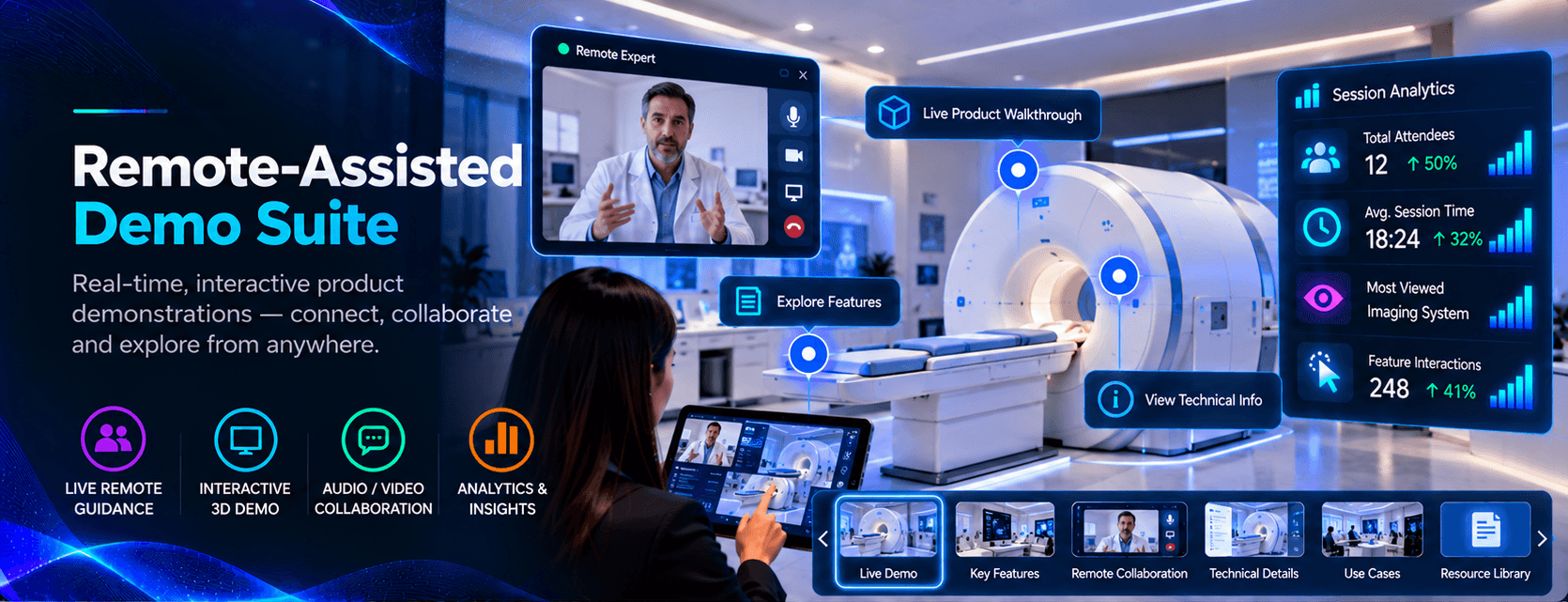
Remote-Assisted Demo Suite
17 · Case Study
Remote-Assisted Demo Suite
A remote specialist drives the same interactive story the visitor sees — built for sales suites, hybrid demos and booth overflow.
- Role
- Realtime demo experience lead
- Context
- Sales suites · Hybrid exhibitions · Remote specialists
- Collaborators
- Sales engineeringField repsEvent AV
The Situation
Expert presenters cannot stand at every screen — travel limits, overlapping meetings, overflow traffic. Screen-share decks lose interactivity; local kiosks without a specialist feel hollow for complex products.
Goal & Expectations
Let a remote specialist drive the same interactive story the visitor sees locally, in sync, with host tools that feel natural in sales suites and hybrid booth setups.
Challenges
The hard parts were rarely just creative. They were floor reality, feasibility and the people who had to run it live.
Sync trust
Any lag or desync erodes confidence immediately. Visitor and host had to see the same moment without wondering who was “leading.”
Network unpredictability
Hotel Wi-Fi, congress halls, and hospital guest networks varied wildly. Recovery paths had to be dignified when connectivity dipped.
Role clarity
Visitors needed to know when to touch and when to listen. Hosts needed highlights and navigation without a cluttered control panel.
Where I Came In
I joined to design host and visitor modes, session lifecycle, and failure recovery before pilot suites went live. I ran paired tests with remote specialists dialing in from actual travel locations.
Approach
Prioritized low-latency shared state and obvious visual cues for who is driving. Kept host controls minimal — jump, highlight, hand back — mirroring how good reps actually demo.
What We Built
A visitor explored locally while a remote expert navigated, emphasized key moments, and stayed present in the conversation. No awkward deck share — one interactive story, two locations.
Other Teams Involved
Sales engineering for product accuracy, field reps for talk-track alignment, and AV for display and camera placement in suites.
On the Floor
Pre-flight network checks in suite rooms and booth back areas. Fallback runbooks when firewalls blocked ports — readable steps for reps, not engineering jargon.
End Result
Hybrid demos and suite meetings ran shared interactive sessions with acceptable reliability under real-world network conditions.
Final Thought
Remote demo success feels invisible — visitors forget the specialist is not beside them. I optimize for that forgetfulness: when the story stays shared, geography stops being an excuse.
Capability notes
For teams who want the build detail: the experience drew on the tools and patterns below. The story above is what visitors and stakeholders felt on the floor.
- WebRTC
- Session state sync
- Shared interactive UI
- Host / visitor modes
Client confidential — delivered for a brand presenting in this context. The client name is withheld under NDA.